
15 Quick Text Tasks You Can Do Without Installing Anything
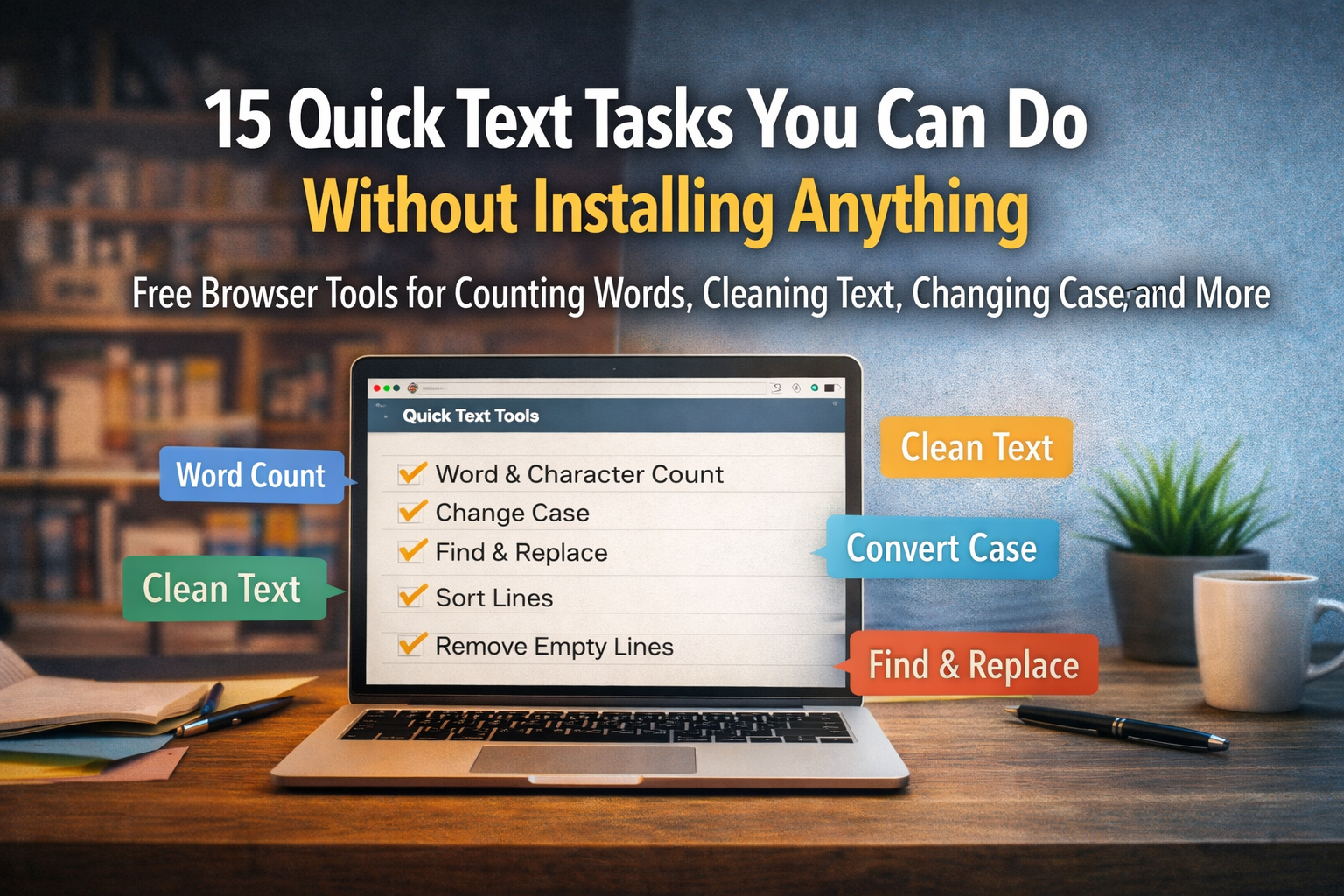
Software loves to make you commit. Download this. Create an account for that. Accept these terms. All for a job that takes ten seconds. The funny part is that most small text tasks need no software at all. They run right in your browser, free, with nothing to install.
Below are fifteen of them. Keep this list handy. Next time you reach for a heavy program to do something small, check here first.
Counting and Measuring Text
1. Count words and characters. Writers, students, and anyone facing a limit need this constantly. Paste your text, read the number, done. No document software required.
2. Count lines and paragraphs. Useful when a form asks for a set number of lines or when you are formatting a list and need an exact count.
3. Check reading time. Many tools estimate how long a passage takes to read. Handy for blog posts, scripts, and speeches where timing matters.
Cleaning Up Messy Text
4. Remove formatting. Copy text from a website, and it drags ugly fonts and colors with it. Paste it into a plain notepad, and the formatting falls away, leaving clean text you can reuse.
5. Trim extra spaces. Double spaces and stray tabs hide in pasted text. A quick cleanup tool strips them in one pass.
6. Delete blank lines. When a copied list arrives full of gaps, removing empty lines tidies it instantly.
A site like Notepad.is gathers many of these cleanup tools in one place, so you stop bouncing between separate single-use websites.
Changing How Text Looks
7. Change case. Flip text to uppercase, lowercase, title case, or sentence case in one click. Far faster than retyping a heading you got wrong.
8. Reverse text. A small trick, but useful for puzzles, design work, or checking a string character by character.
9. Sort lines alphabetically. Drop in a messy list of names or items and get it back in order. This alone saves real time.
Finding and Replacing
10. Find a word. Search a long block of text for one term without scanning by eye. Your browser does it in a blink.
11. Replace text in bulk. Swap every instance of one word for another across a whole document. Fixing a misspelled name forty times becomes one action.
12. Count how often a word appears. Writers checking for repetition find this useful. So does anyone curious how often a phrase shows up in a report?
Quick Conversions and Tricks
13. Convert text to a list. Turn a paragraph into separate lines, or join lines into a paragraph. Moving between formats by hand is tedious. A tool does it at once.
14. Strip line numbers or symbols. Copied code or quoted text often carries numbers and markers you do not want. A cleanup pass removes them.
15. Hold text as a temporary clipboard. Sometimes you just need a place to park a sentence while you switch windows. A browser notepad is the simplest holding pen there is, and it saves on its own.
Why Browser Tools Beat Installed Software for Small Jobs
Notice a pattern in that list. Every task is small. Each takes seconds. None justifies installing a program, learning its menus, and keeping it updated for years.
That is the quiet strength of browser-based text tools. They match the size of the job. A small task gets a small, instant tool. You open a tab, do the work, and close it. Nothing lingers on your machine.
There is a privacy angle too. The best of these tools does the work inside your browser without sending your text to a server. Your words stay with you. For anything sensitive, that local approach is worth looking for before you paste.
Build Your Own Quick Toolkit
You do not need fifteen separate bookmarks. Find one or two sites that gather these tools together and pin them. When a small text task lands, the right tool is one click away, ready, free, and gone the moment you finish.
The lesson under all fifteen items is simple. Stop overbuilding for small jobs. The next time you catch yourself downloading software to count words or fix spacing, pause. There is almost certainly a browser tool that does it faster, asks for nothing, and leaves no trace.
Keep this list. Share it with the person at the next desk who still opens a word processor to count a tweet. Small tasks deserve small tools, and your browser is full of them